Venomia CryptStorage
Cloud storage where only you hold the keys.
CryptStorage encrypts files on your own computer before they leave it. The server, its administrator or an intruder only sees encrypted data.
What it looks like
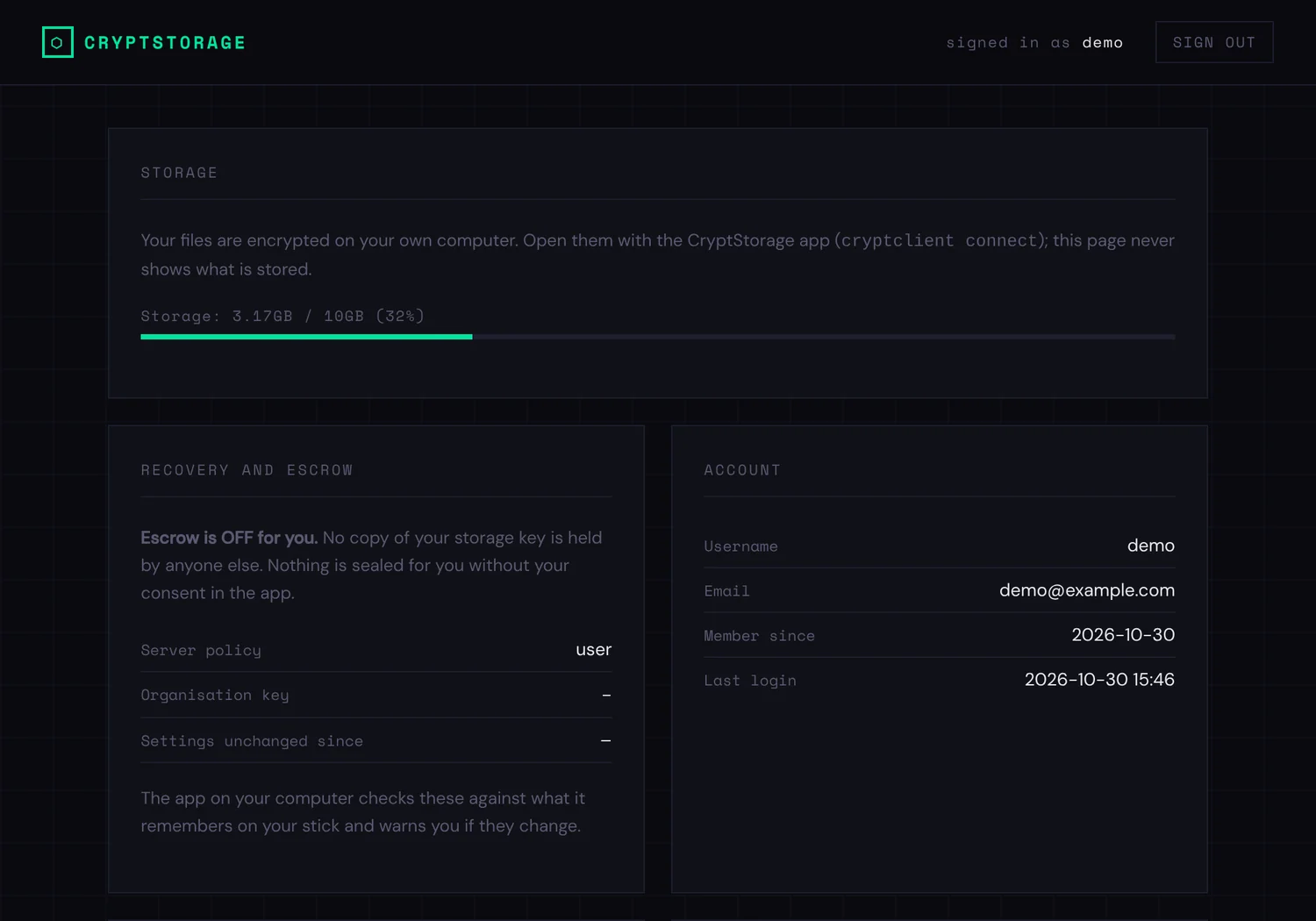
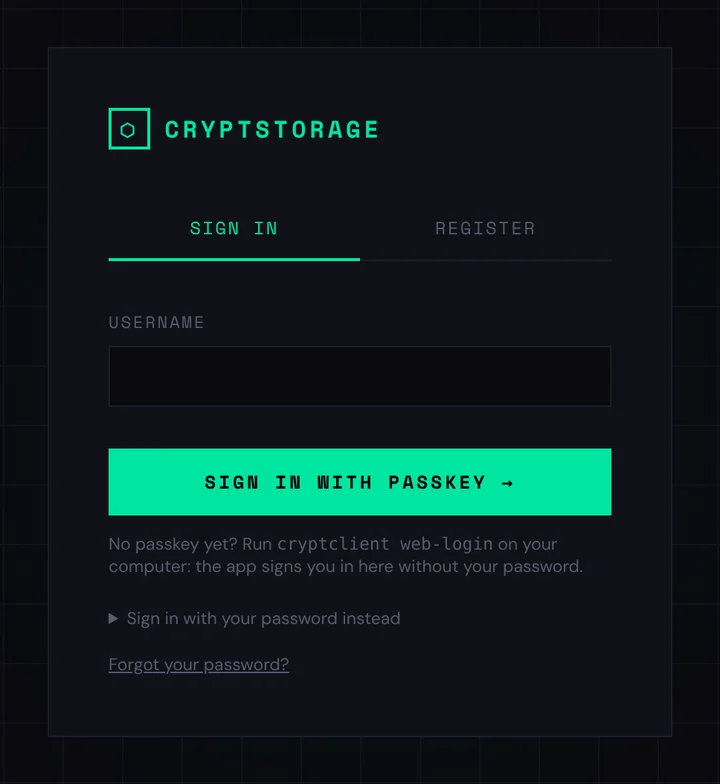
Screenshots from a test server with a demo account.
How it works
- Key on a USB stick. The encryption key lives on a USB stick and is protected by a password. Files cannot be opened without both.
- Two-factor sign-in. You sign in to the server with a passkey or an authenticator app code.
- Encryption on your computer. Files are encrypted and decrypted on the workstation. The server stores only ciphertext.
- Sync. Files appear as a normal folder on Windows and Linux, and changes sync to the server.
Features
A folder on your desktop
A tray app on Windows, command line and tray on Linux. Files sync, and conflicts produce a copy, so nothing disappears silently.
Strong sign-in
Passkeys on an Android phone, Windows Hello or a YubiKey. An authenticator app code is always required as a fallback factor.
Revoke a lost stick
The stick’s key only works together with a server secret that is released after a full sign-in. A lost stick can be revoked in the browser.
Transparent key escrow
An organisation can opt in to key escrow. The policy is locked at install time, users consent themselves, and changes are shown in the client.
Status and roadmap
- v0.1, coming: personal encrypted storage for Windows and Linux. Public test release, source code opened.
- v0.2: shared folders that stay end-to-end encrypted.
- Later: installer, macOS and mobile access.
CryptStorage has not yet had an independent security audit. Do not keep the only copy of important data in it before a stable release.
Who it is for
Companies
Confidential files on your own server, with no dependency on third-party cloud services.
Associations and communities
A storage service for members on an affordable server, run by yourselves.
Individuals
Personal encrypted storage on a home server or a rented one.
Technology
Open components
Encryption with gocryptfs and cppcryptfs, transfer over SFTP, Linux server.
Platforms
Client for Windows and Linux. The server is installed with Ansible.
License
AGPL-3.0. You are free to use, inspect and modify the software.